More Items List
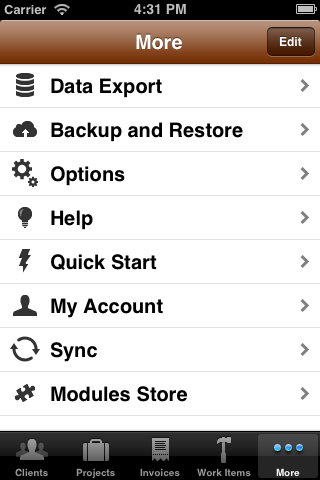
The more items list displays a list of the primary Timewerks functional areas that are not displayed on the bottom tab bar. These functions include: Data Export, Backup and Restore, Options, Help and My Account.
Data Export
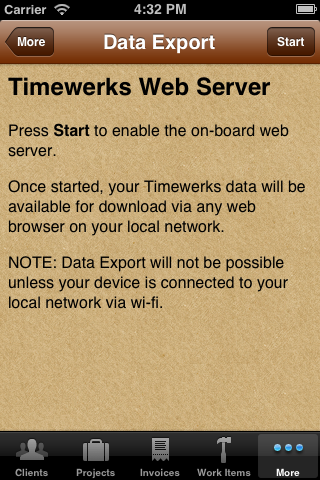
Follow the instructions on the Data Export view to export your Timewerks data using any standard web browser on the same local network as your device. NOTE: Data Export requires that your device be connected to your local network via a wi-fi connection.
Help
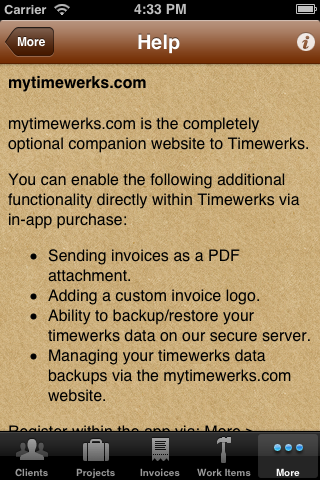
The Help view provides answers to common Timewerks questions. Tap the info button in the upper-right corner of the Help View to see the Timewerks version number and send feedback to Timewerks support.
Quick Start
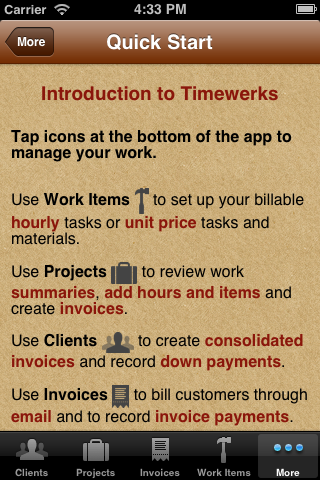
The quick start view displays easy-to-follow bullets of common Timewerks tasks.
My Account
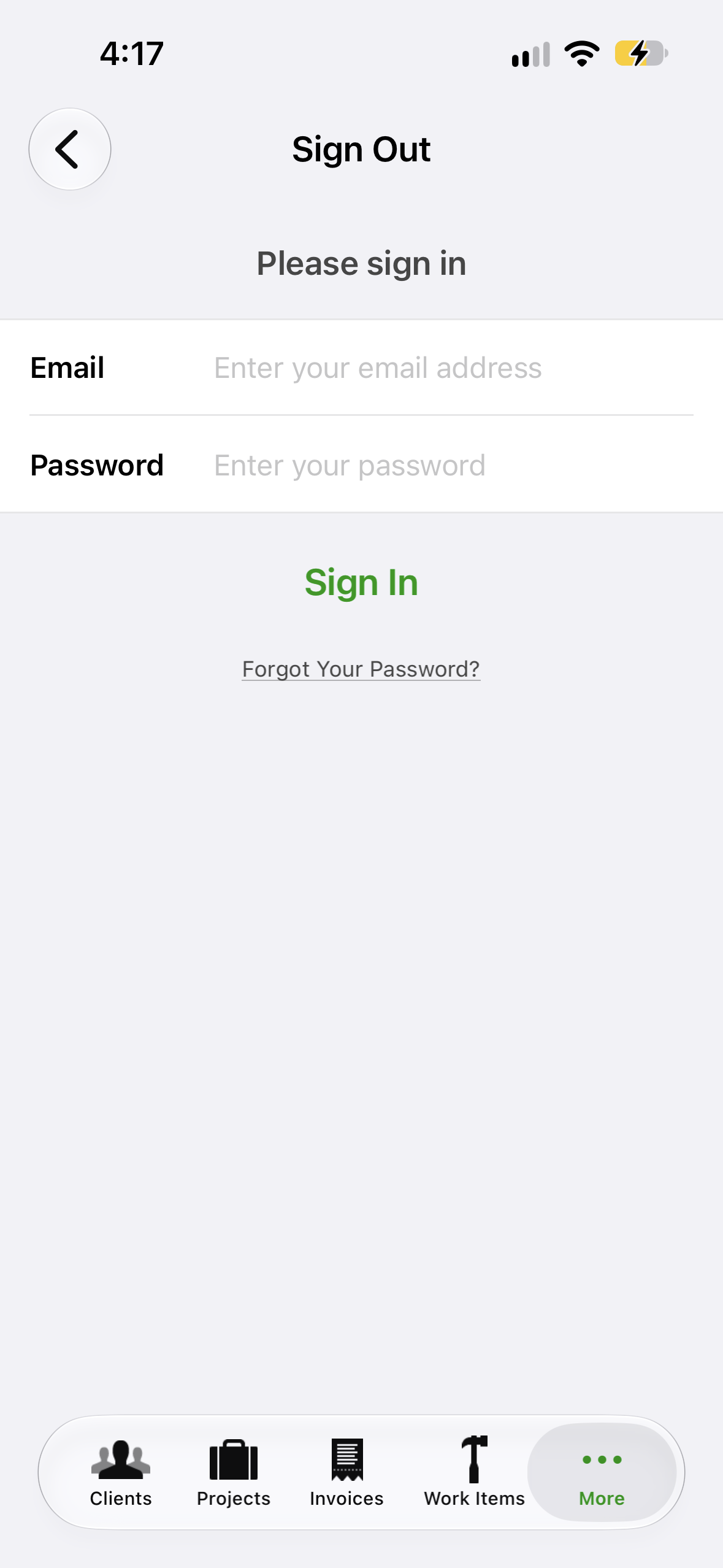
Use My Account to create or login to your My Timewerks account.